Create encrypted disk images and use separate cloning and data-migration tools. Compatibility depends on disk layout and filesystem.
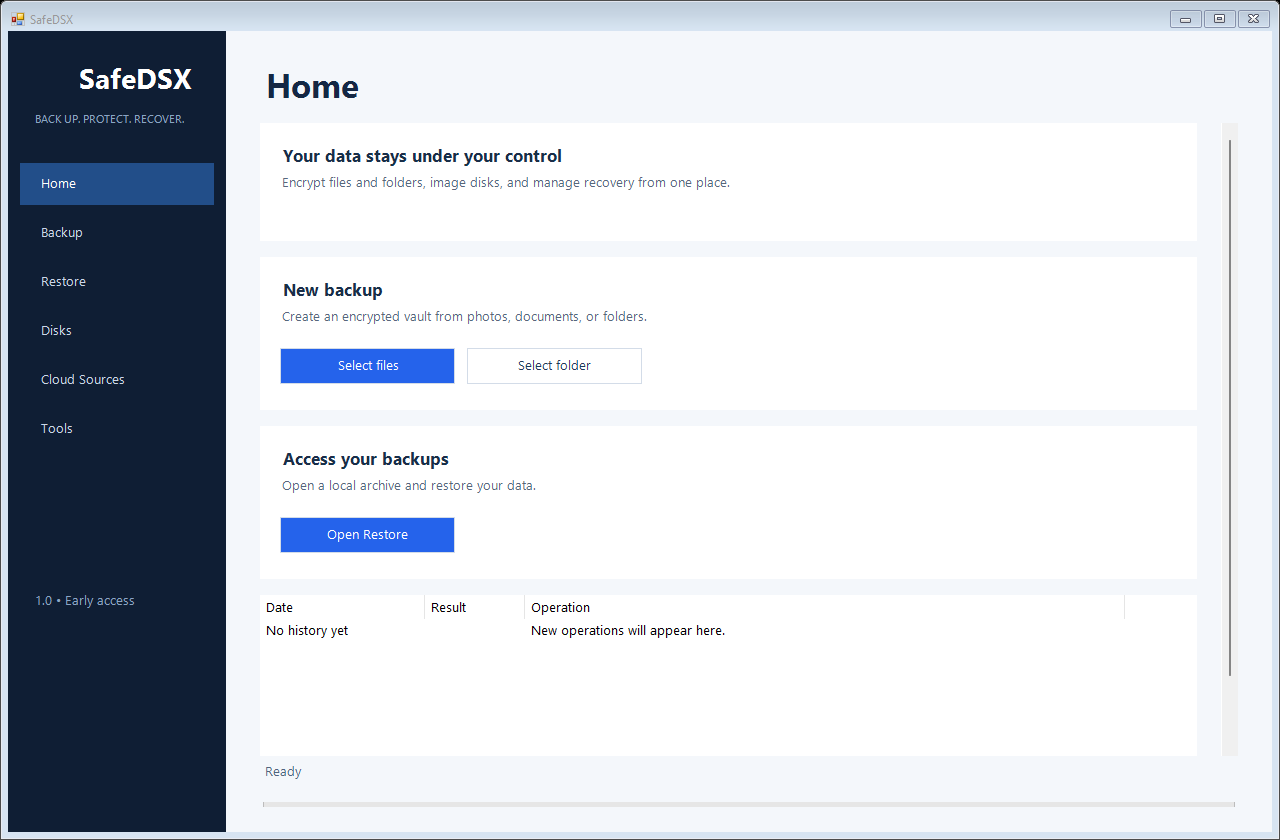
Clear tools, one applicationDisk images and cloning Files and cloud folders Schedules and retention Remote encrypted copies Live system backup Guarded disk tools
Backup without the usual clutter.
Encrypt documents, photos, Google Drive folders and iCloud content already downloaded to the PC.
Run hourly, daily or weekly backups and remove completed archives after your chosen retention period.
Upload verified encrypted archives to FTPS or S3-compatible storage such as Cloudflare R2.
Capture Windows volumes with VSS. Recovery media and physical restoration require additional validation during early access.
Disk operations require explicit target confirmation. SSD erase support depends on the device and controller.
Three steps
Choose. Protect. Verify.
1
Select the source
Pick files, folders, a Windows volume, or a physical disk.
2
Choose where it lives
Keep it locally or send the encrypted result to a remote target.
3
Verify and recover
Validate the archive and use the guided restore workflow when needed.
Security by design
Your password stays with you.
SafeDSX derives archive keys with Argon2id and uses AES-256-GCM authenticated encryption. Scheduled backup passwords are stored with Windows machine protection. A SHA-256 checksum is provided for this download; the early-access installer is not yet code-signed.
Questions
Can SafeDSX recover a system disk?
Windows volumes can be captured through VSS. Recovery media must be tested on your hardware before relying on it. Do not replace your existing backup strategy during early access.
Can I copy a larger disk to a smaller one?
Exact disk images need a compatible target layout. Smart Migration for supported NTFS data disks is a separate workflow; fitting the used data alone does not guarantee every disk image can be restored to a smaller disk.
Can SafeDSX recover a forgotten archive password?
No. Keep a separate recovery record. Strong encryption also means there is no password bypass.
SafeDSX early access
Version 1.0 starts with a 90-day evaluation period.
Early access · 5 October 2026 · Windows x64 · 90-day evaluation · Known limitations · SHA-256 checksum